An introduction to Network Patch Panel
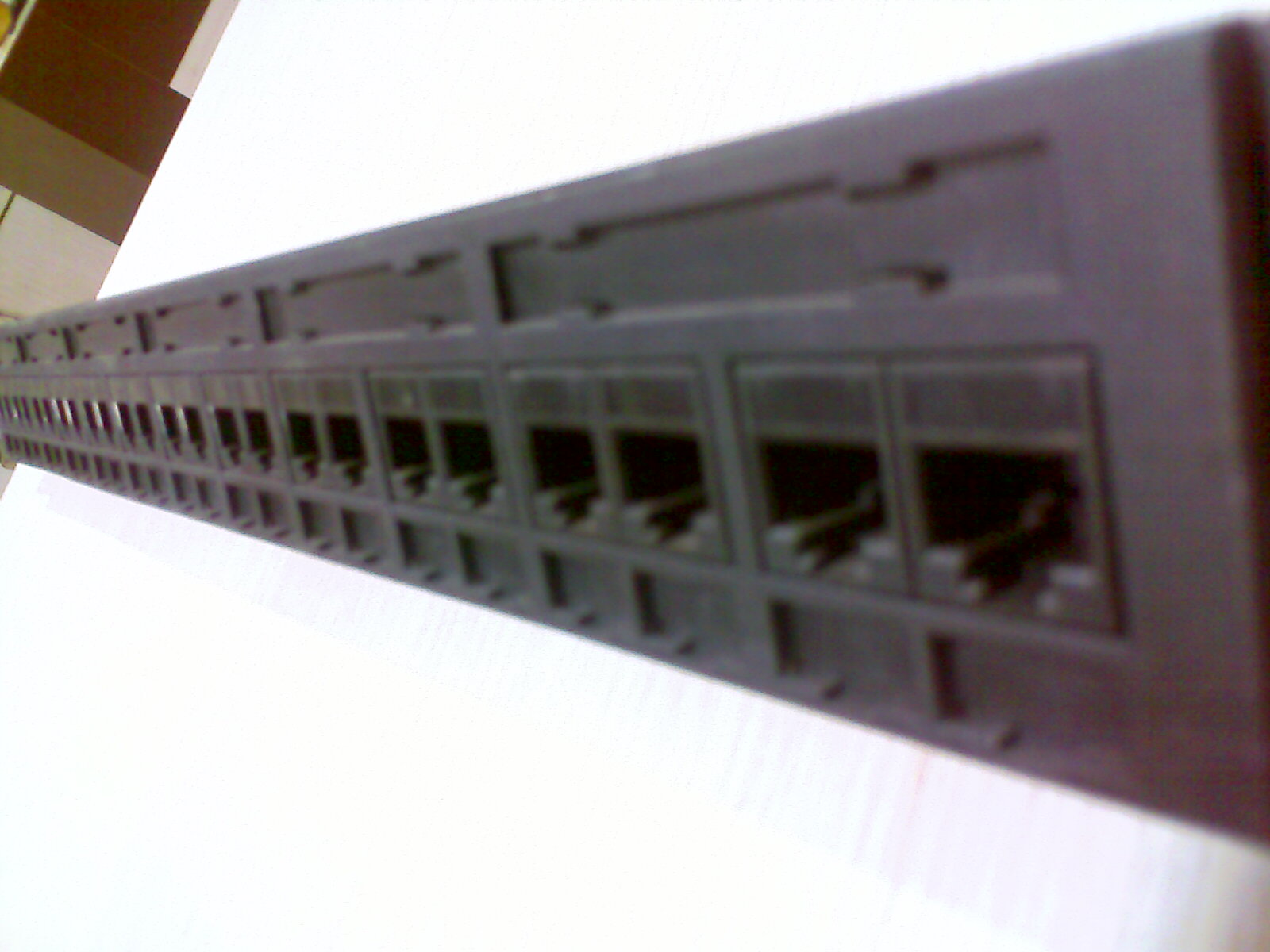
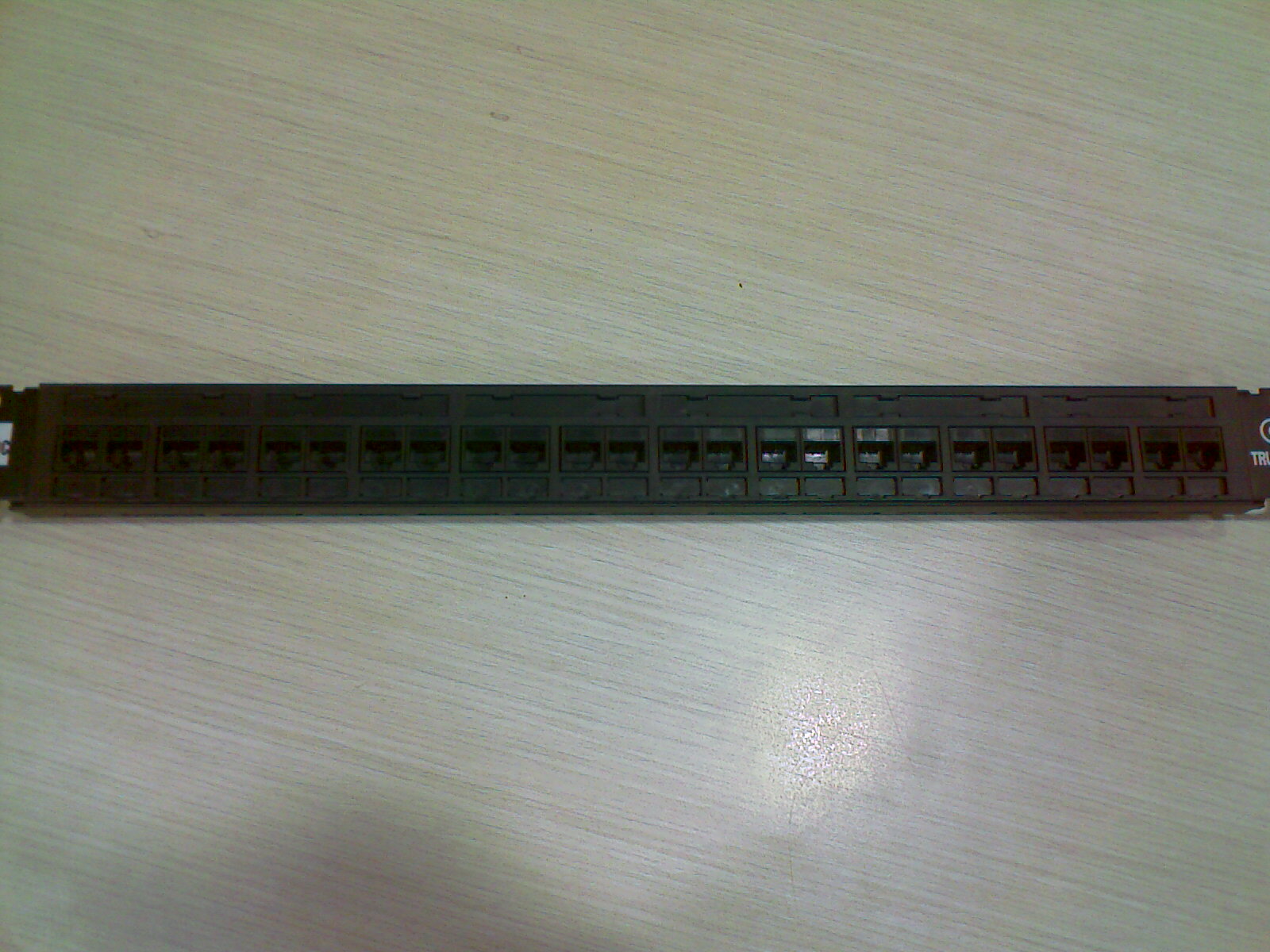
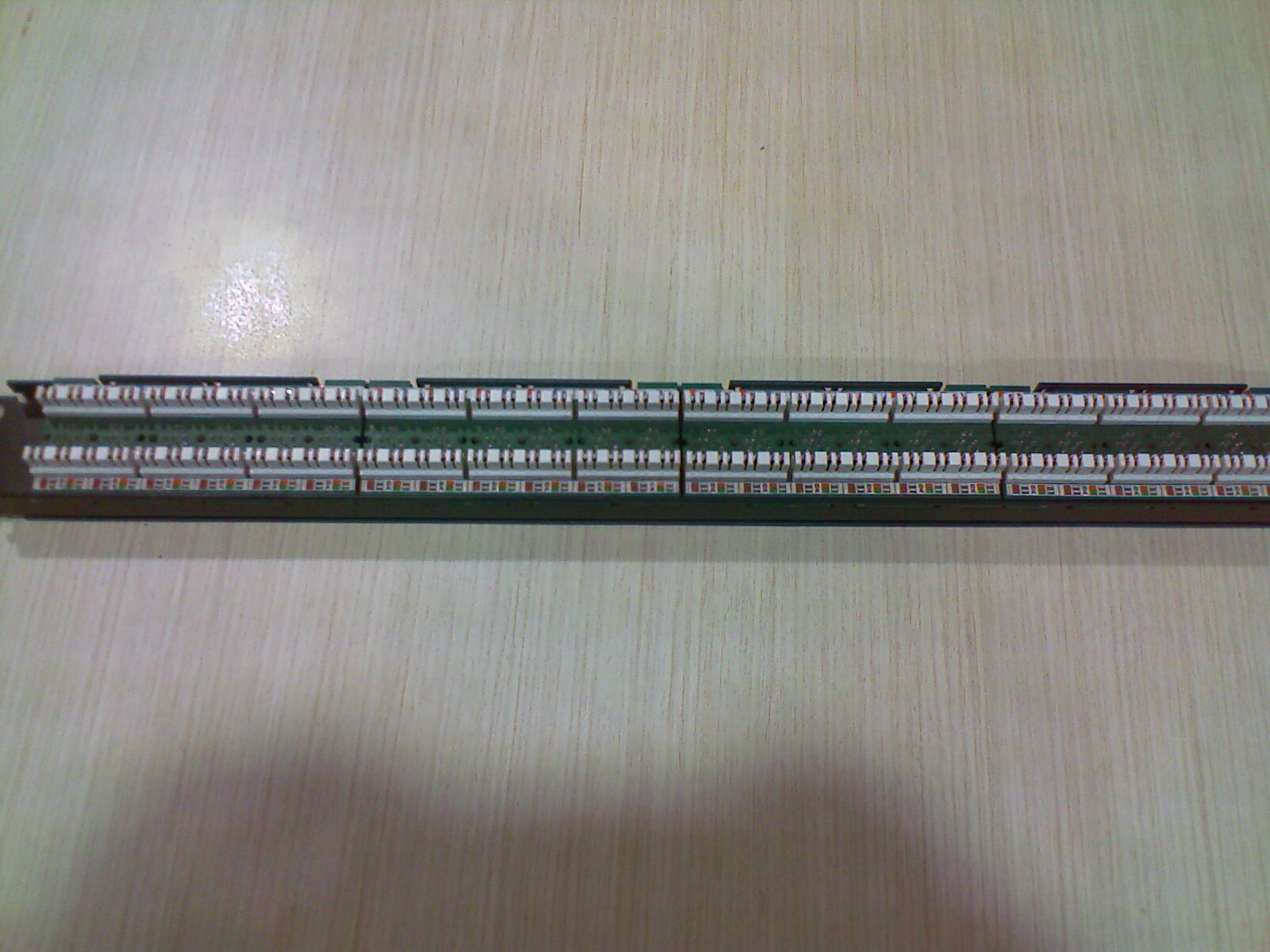
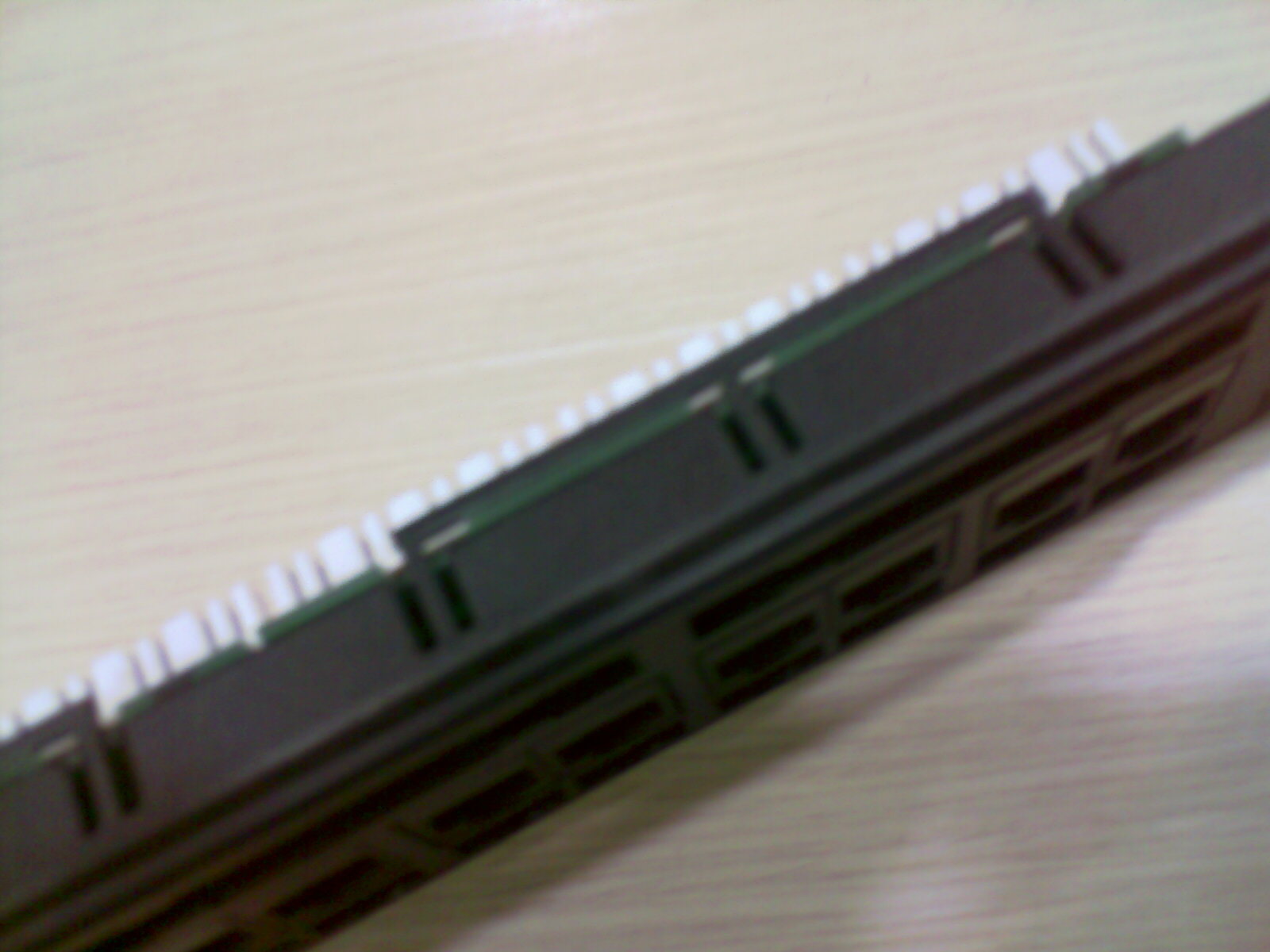
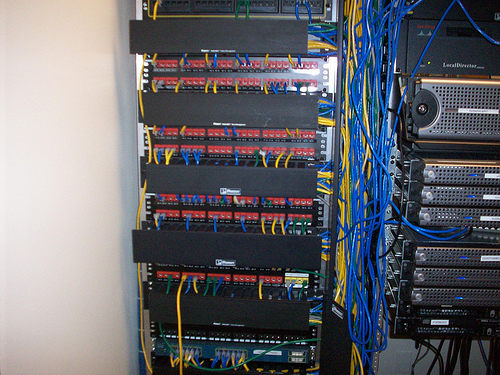
Photo courtesy: http://www.flickr.com/photos/stp/
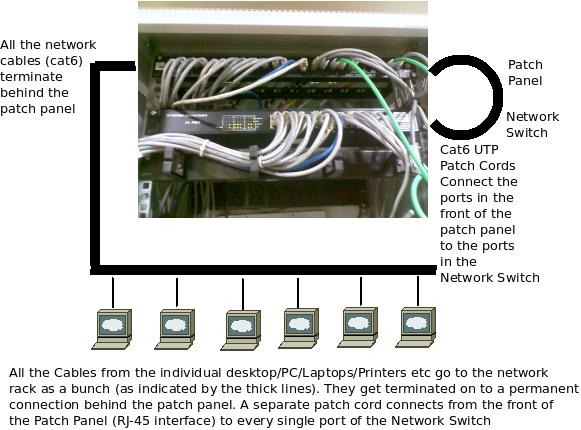
As shown in the above diagrams, patch panels are generally attached in the network racks, mostly above or below the network switches. The patch panels predominantly occupy a space of 1U in the network racks. All the cables from the desktops are brought to the patch panels and they are terminated at the back side of the patch panel. (The UTP cable consists of 4 Pairs, all these 8 cables are separated at the end and punched individually behind the patch panel). UTP Patch cords connect the individual ports in the patch panel to the individual ports in the network switch. This enables permanent connection to the switch, which is not disturbed and all adds, moves and changes are done at the patch panel level.
But why introduce a new component in the already cluttered data center? Can’t we just terminate the cables directly to the switch? Yes, it is fine to terminate the UTP cables from the desktops directly to the network switches. The set-up would still work. But a patch panel is introduced in between the network switch and the desktop cables for the following reasons:
¤ Identification: The patch panel ports can be labeled (Location, desktop number etc) to help identify which cable from which location is getting terminated on which port of the patch panel. Now, when there is a need for testing or disconnecting a particular cable, you could easily locate them on the patch panel.
¤ The switch is not disturbed, when small changes are being made with the network cabling. The changes can be made quickly and easily.
¤ All the cables can be terminated on the patch panels (irrespective of whether they need to be connected to the switches or not) and they could be selectively connected to the switches by just moving the patch cables, whenever needed.
¤ Testing/ troubleshooting: During a connection fault, Patch panels help identify whether the fault is at the switch side or at the cable (network) side. They also help in troubleshooting.
¤ It helps all the routine network monitoring tasks to be done quickly.
¤ The position of the patch cords, can be changed by anyone when there is an urgent need to do so, without having to wait for the network administrator. Or the network administrator can remotely guide the person performing the changes as it is easy to identify the routes and make changes due to the labeling and tagging.
¤ The switches and their connections are permanently fixed, reducing the chances of manual error. This also helps administrators to avoid tampering with the network switches directly by inexperienced personnel.
¤ Patch Panels come with cable ties and mounting hardware for efficient cable routing and management. It also looks neat and organized this way.
¤ Some vendors offer patch panel management/monitoring software with sensors attached to patch cables which can monitor if any changes are made to the network and intimate the network administrator if any cables are changed, connected or disconnected. This helps identify and correct unauthorized tampering.
There are many types of patch panels. There are various patch panels based on the number of ports like 12 Port, 24 Port, 48 Port etc. There are also separate patch panels for Cat 5E, Cat 6, Cat 6A and cat 7 cables. So, if your switches support 1GE, your patch panels also need to support 1GE, only then you can realize 1GE in the edge port. There are different patch panels for UTP and Shielded pair cables. Patch Panels are also available as Flat Patch Panels or Angled Patch Panels (Here, the modules are angled at 45 degrees to increase the cable bend radius, in certain applications).
Disadvantages of Patch Panels: The network cabling, if done without patch panels, do not lose any functionality. So, they are actually redundant but an important component of structured cabling installations. The patch panels are quite expensive. They need to be upgraded (or changed) when the switches are changed to support higher bandwidth (The patch panel which supports 100 Mbps max. will not support 1000 Mbps when the network switches are upgraded to that level). There are also possibilities of errors during installation of patch panels as each UTP cable that needs to be fixed has 8 terminal cables which need to be punched according to a colour scheme.
The following two videos illustrate how to organize cables and punch down using the punch down tool for a keystone jack as well as a patch panel:
watch?v=0gxNZoPcnP4&feature=related
excITingIP.com
In case you have any questions, you can contact us using the contact form or leave a comment below. You can also subscribe with your email address (on the right side of this site) to get intimated when a new article is published on this site.

More details on the fixing of rack and other accessories in the rack and cable management.
plz send me detail about rack fixing
good article that help me